Getting Started
Prerequisites
- JDK 17+
- Maven 3.8+
- Git
- An API key for at least one supported model provider
Installation
Kairo Code is not yet published to Maven Central. Install from source:
# Clone the repository
git clone https://github.com/CaptainGreenskin/kairo-code.git
cd kairo-code

# Build all modules
mvn clean install -DskipTests
This produces the CLI executable JAR at kairo-code-cli/target/kairo-code-cli.jar.
Configuration
API Keys
Set the API key for your preferred model provider as an environment variable:
# Anthropic Claude (recommended)
export ANTHROPIC_API_KEY=sk-ant-...

# GLM
export GLM_API_KEY=your-glm-key

# Qwen
export QWEN_API_KEY=your-qwen-key

# OpenAI
export OPENAI_API_KEY=sk-...
Only one API key is required. Kairo Code will use whichever provider is configured.
Running Kairo Code
Start the REPL
java -jar kairo-code-cli/target/kairo-code-cli.jarOr run directly with Maven:
mvn exec:java -pl kairo-code-cliYou should see the Kairo Code prompt:
Kairo Code v0.1.0
Model: claude-sonnet-4-20250514
Working directory: /home/user/project

>
First Interaction
Type a natural language request at the prompt:
> Create a Java class called Calculator with add, subtract, multiply, and divide methods. Include JUnit 5 tests.Kairo Code will:
- Stream the agent's reasoning to your terminal
- Prompt you for approval before executing file-write and bash tools
- Create the source files and test files
- Compile and run the tests
Tool Approval
By default, Kairo Code asks for confirmation before running tools that modify your system (file writes, bash commands, git operations). You will see prompts like:
[Tool: Write] Create file src/main/java/Calculator.java (45 lines)
Allow? [y/n/always]:y— approve this single invocationn— reject and let the agent try an alternativealways— approve this tool for the rest of the session
Session Persistence
Kairo Code persists conversation history to disk using FileSessionStorageProvider. When you restart the CLI in the same working directory, your previous session is restored automatically.
Session files are stored in .kairo/sessions/ within your working directory.
Common Commands
| Input | Description |
|---|---|
| Natural language | Sends a message to the agent |
/skills | Lists available skills |
/plan | Enters plan mode for multi-step reasoning |
/session | Shows session info |
/clear | Clears the conversation context |
/exit | Exits the REPL |
Desktop App
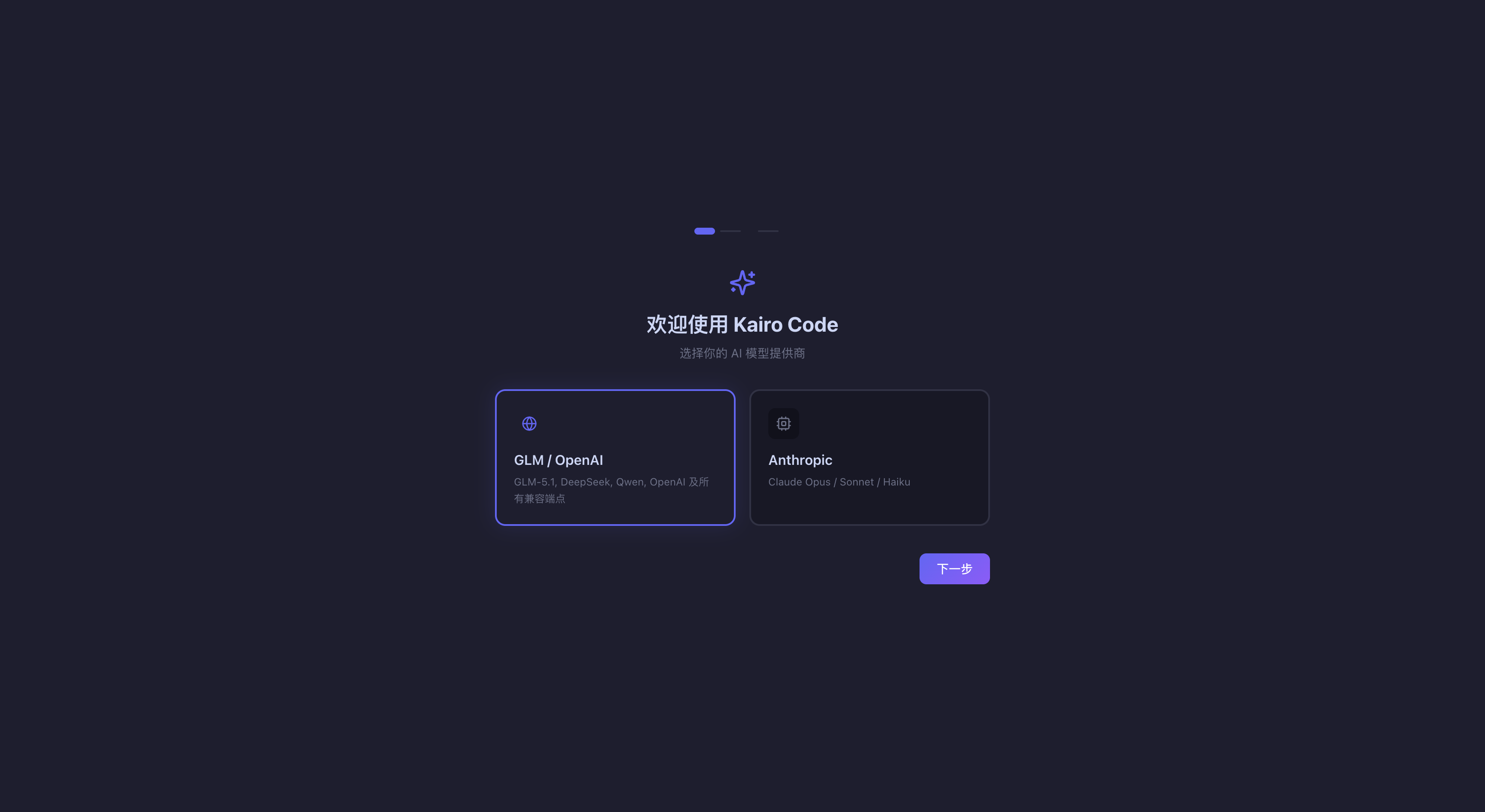
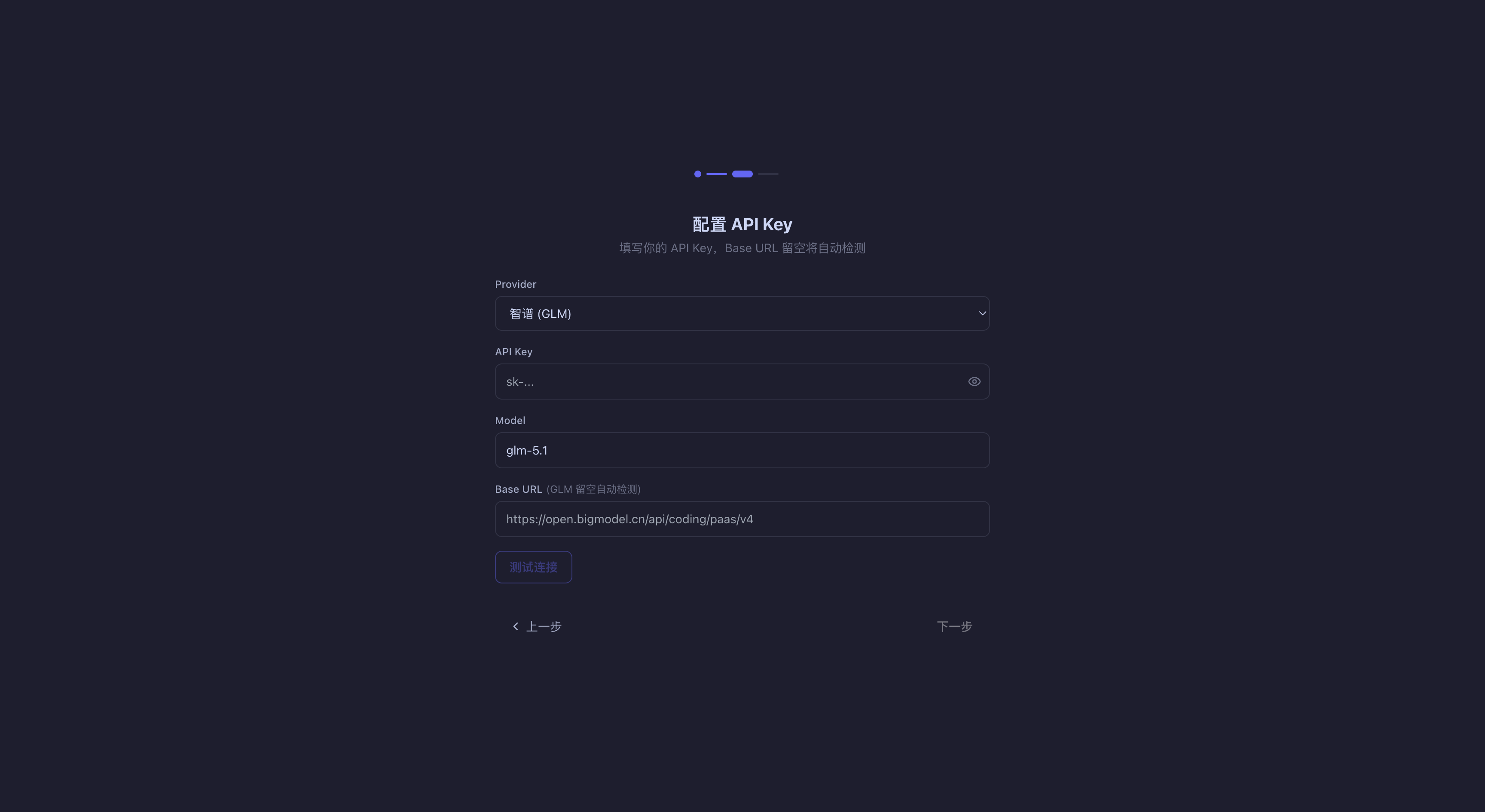
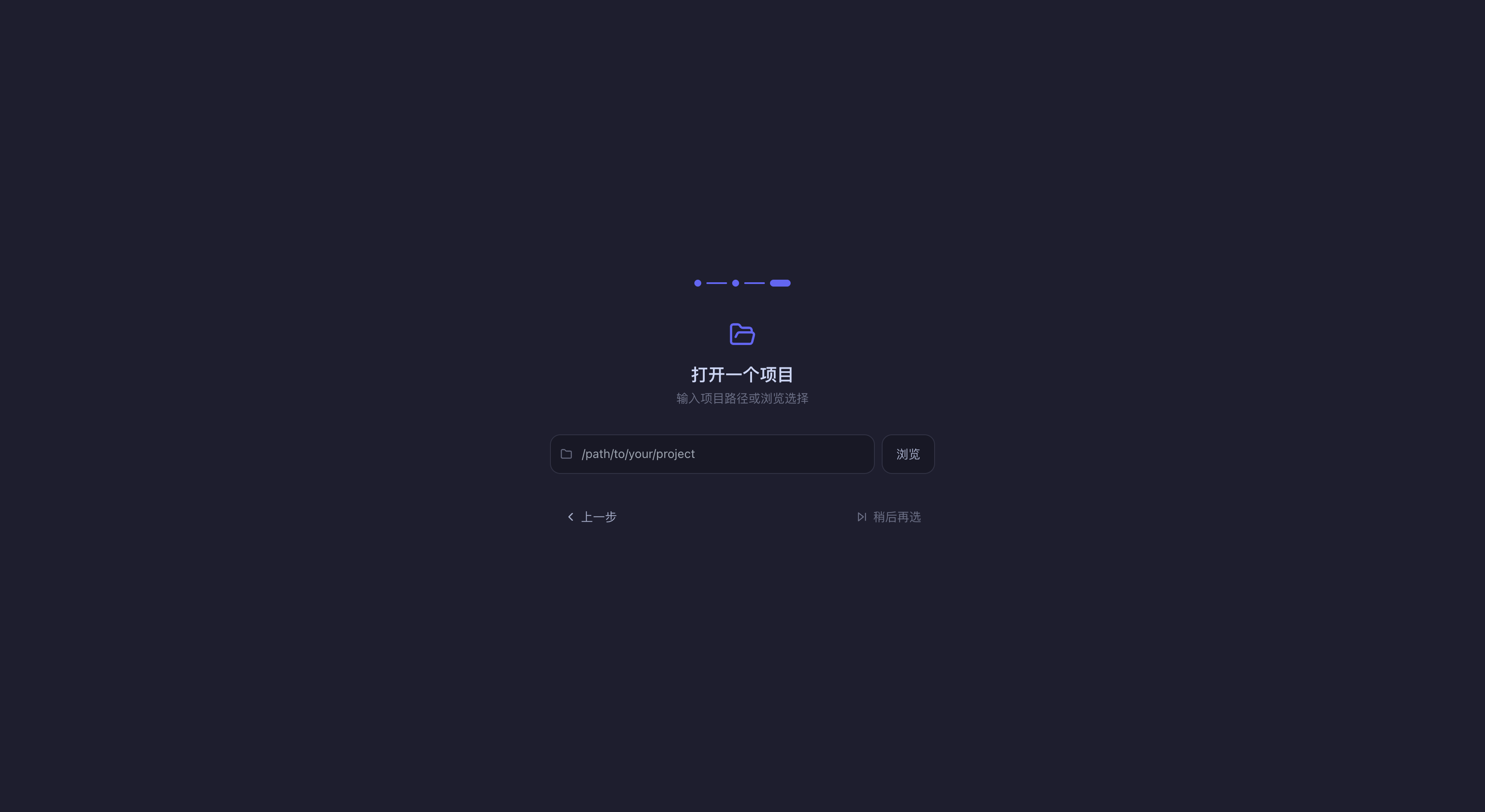
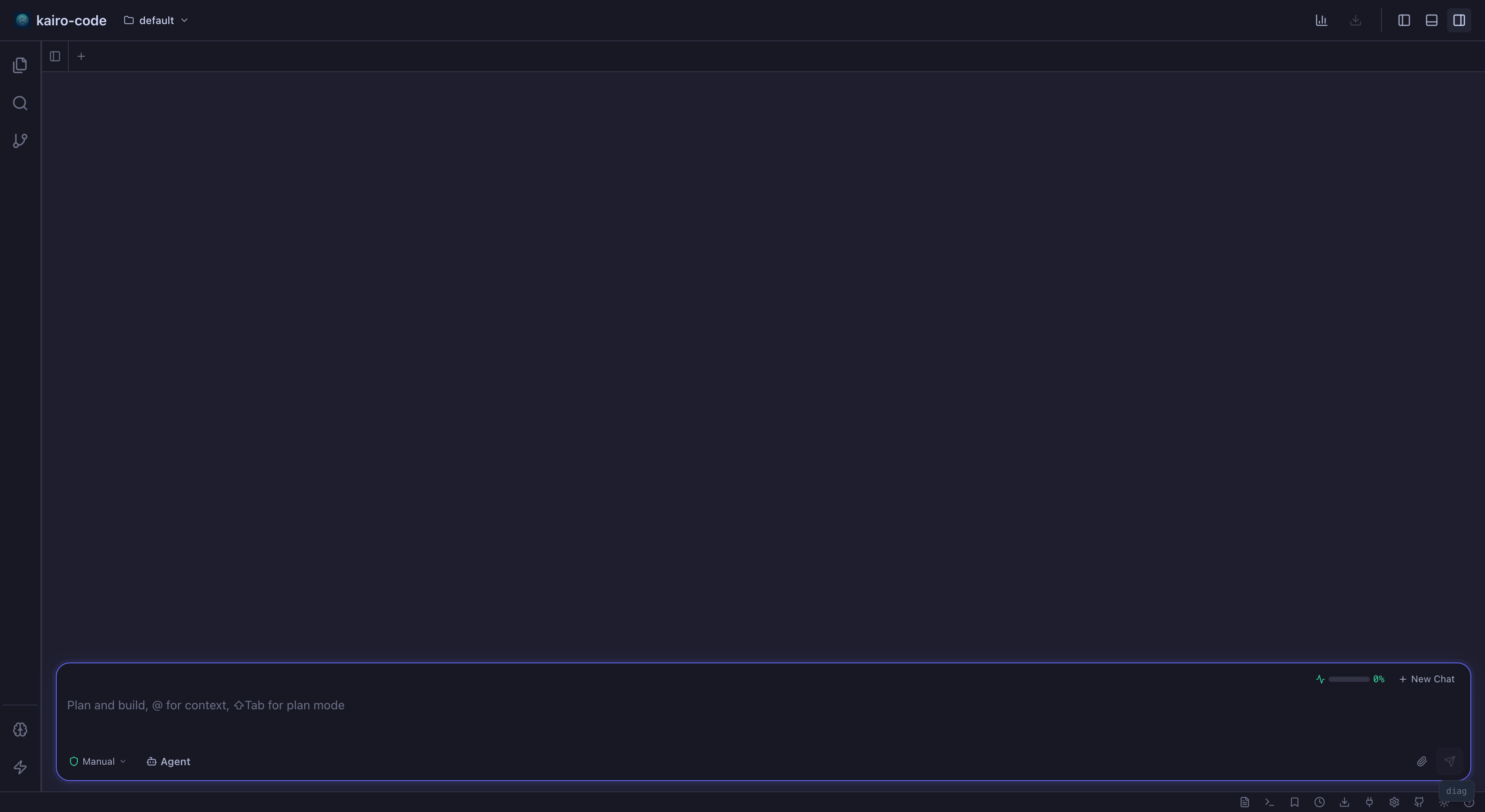
Prefer a graphical workspace? The Kairo Code desktop app guides you through the same setup with a visual onboarding flow.
Welcome Screen
Configure API Key
Open a Project
Start Chatting
Account & Settings
Next Steps
- Architecture — Understand how Kairo Code is structured
- Kairo Framework Guide — Learn about the underlying framework