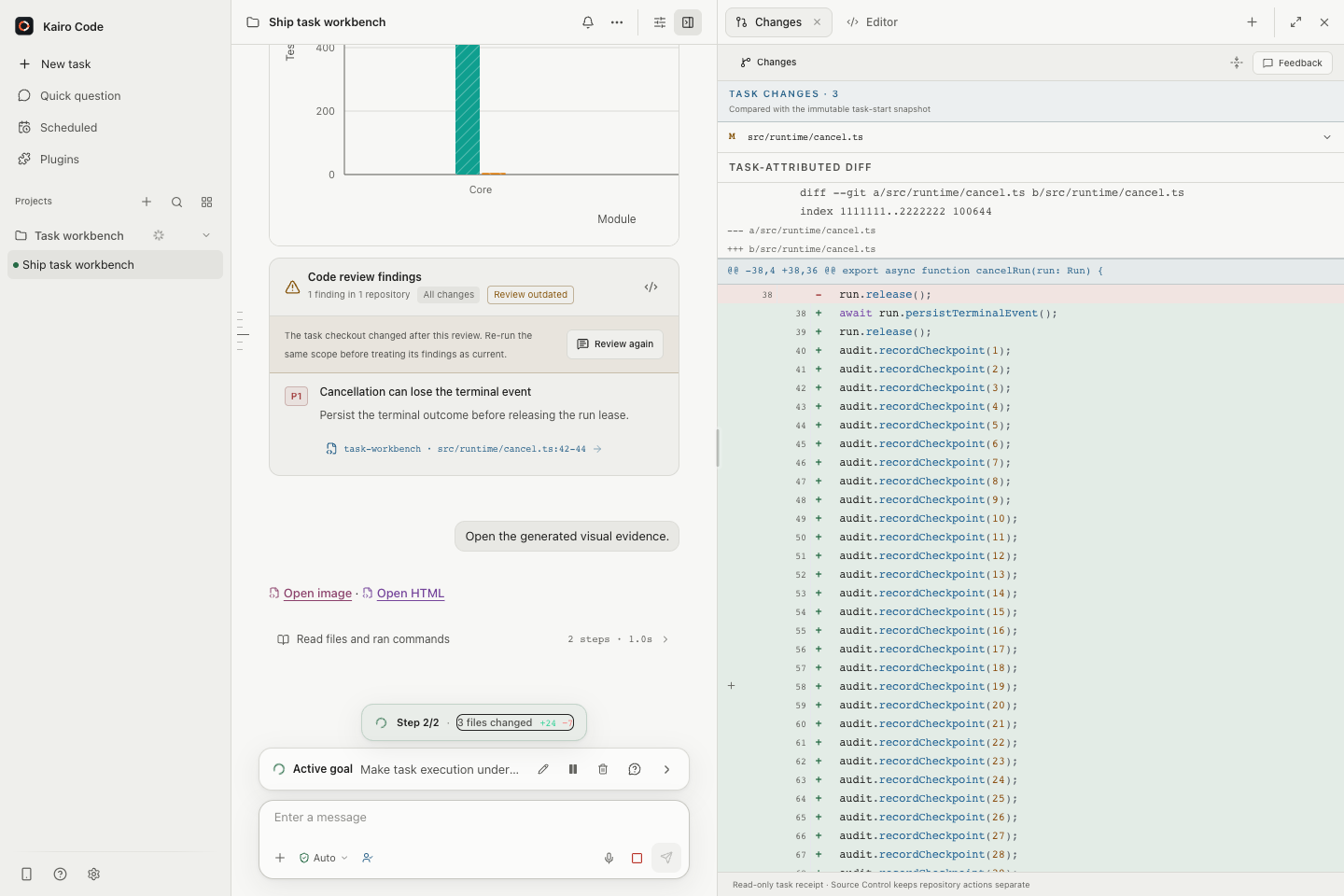
Your first Task
This walkthrough opens a local Project, connects a model, and completes a small, reviewable change. If Kairo Code is not installed yet, follow Install Kairo Code first.
1. Open a Project
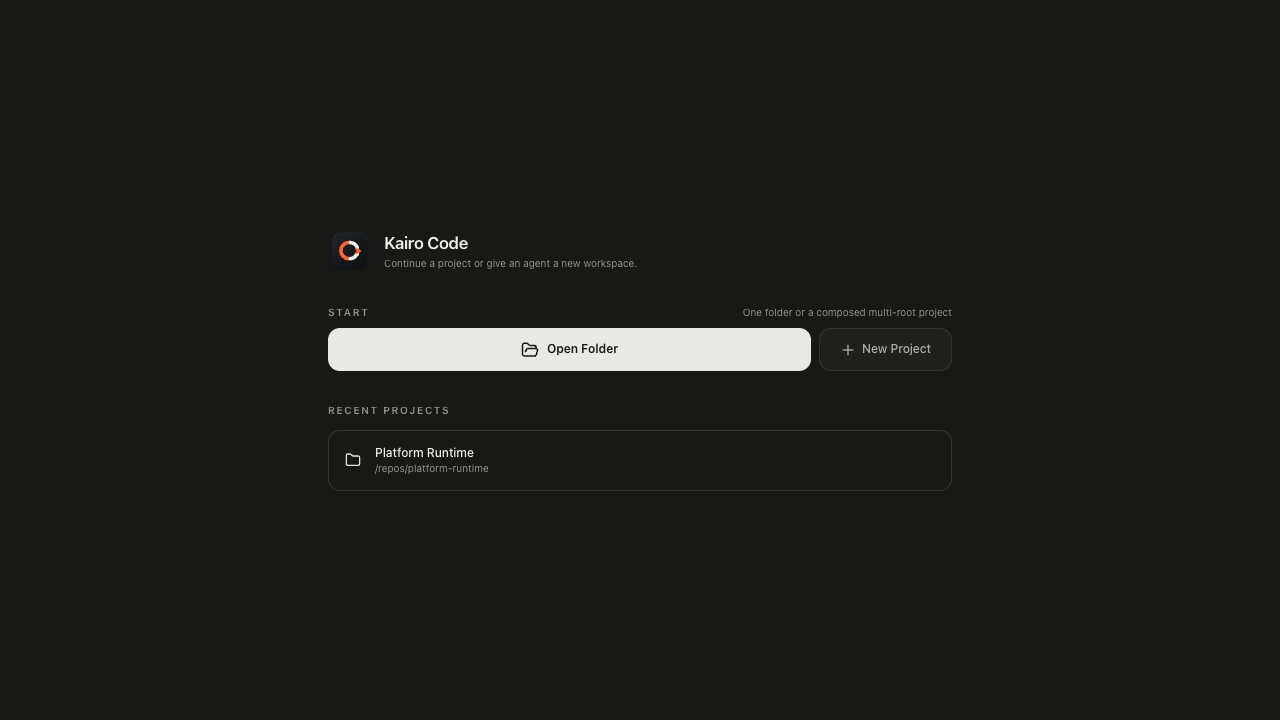
Launch Kairo Code and choose Open Folder. Select a repository you can safely modify. The folder becomes the primary workspace root for Tasks in that Project.
For a first run, use a clean worktree and avoid a repository containing unrelated uncommitted changes. Kairo Code preserves existing changes, but a clean baseline makes review easier.
The default palette is black, white and Kairo orange. In Settings → Appearance, preview and apply your own accent, background and text colors. Light and dark choices are saved separately on this device; Restore default colors resets the current mode. Text and background need at least 4.5:1 contrast before applying. These preferences do not change the Project or Task.
2. Select a model connection
In Settings → Personal → Models & providers, add or select the connection provided by your organization. Test it, save it, and return to the Project. See Model connections for the Desktop fields and connection test.
Before sending private source code or personal data, review Data flow and privacy boundaries. A Task permission prompt governs tool actions; it is not a separate consent prompt for each request sent to the selected model provider.
3. Create a focused Task
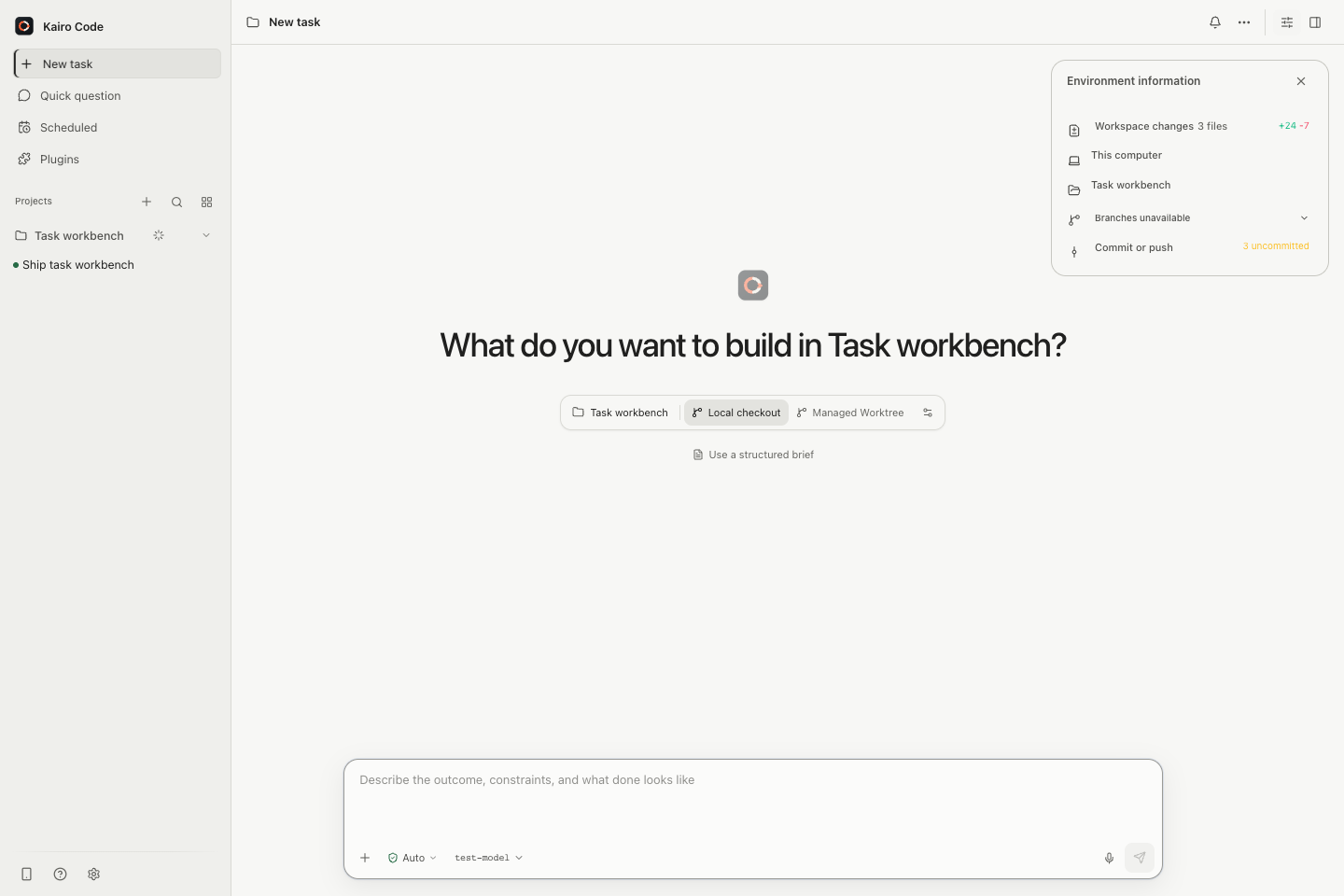
Start a new Task and ask for an outcome with an explicit check:
Explain how this repository runs its tests. Then improve one unclear error message, add or update a focused test, and run only the affected test target. Do not change public APIs.
Kairo Code inspects the workspace, reports tool activity, and asks for approval when an operation needs authority beyond the Task's automatic allowance. The composer remains available while it runs—send a steering message if you want to narrow or redirect the work.
4. Review the result
When the turn finishes, inspect:
- the summary and any stated limitations;
- changed files and their diffs;
- test commands and results;
- unresolved approvals, questions, or verification warnings.
Add inline review feedback when a specific line needs revision, or send a normal follow-up in the same Task. The durable history keeps your feedback attached to the implementation context.